Free 3D clothing design softwareFrom pattern to garment, in 3D.
Draw the pattern, sew the pieces, watch the garment drape on a body, then print it or send it to the workshop. Rustle3D covers the core of professional 3D fashion software, in a simpler interface. It's free and open source.
- macOS, Windows, Linux
- GPL-3.0
- No account
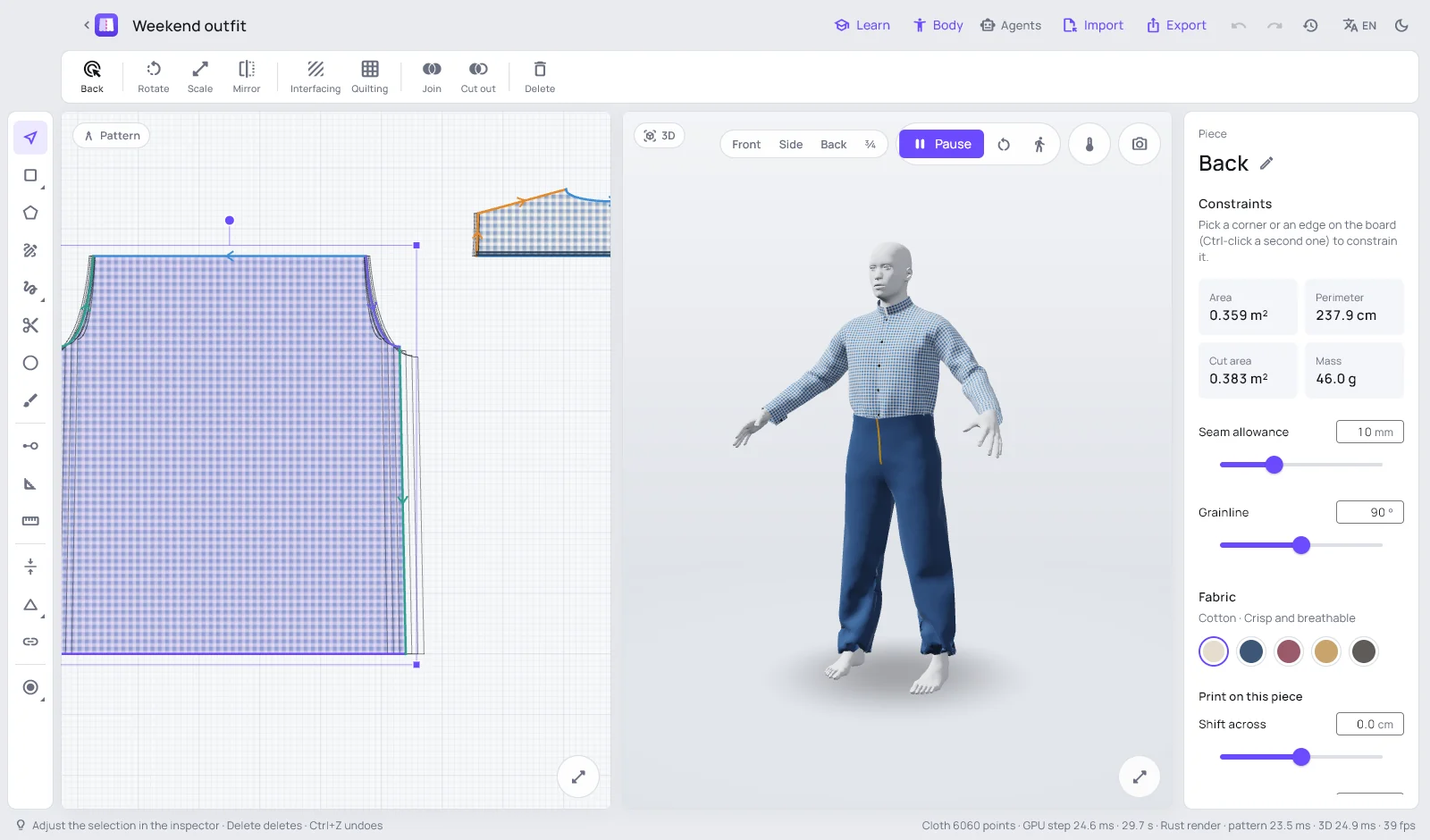
The app, on a project
One shirt, from start to finish
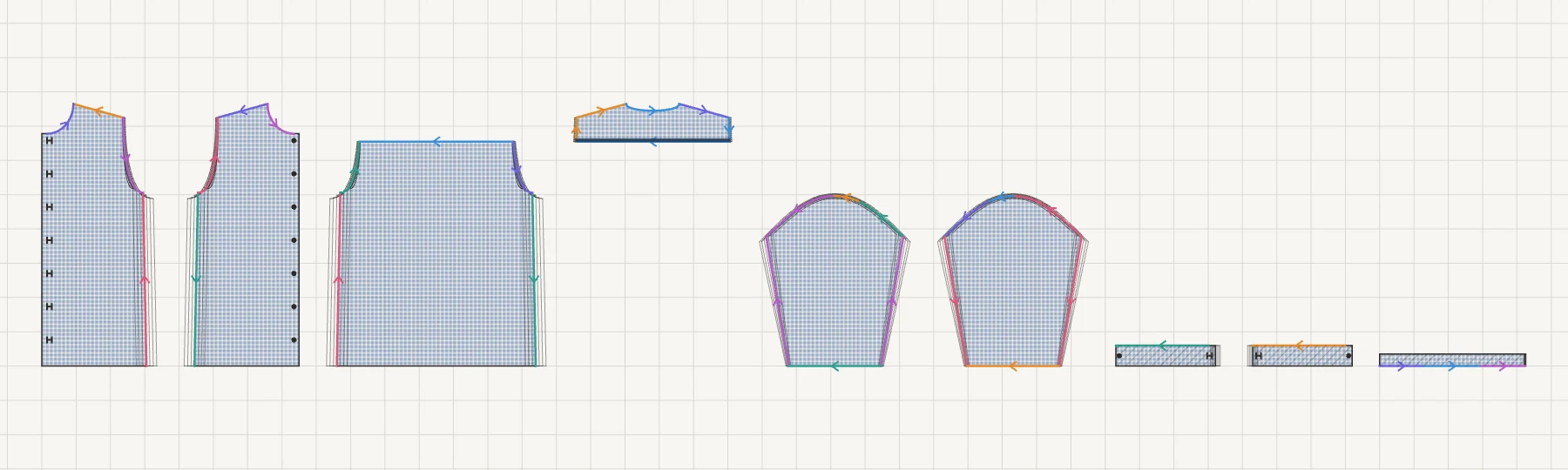
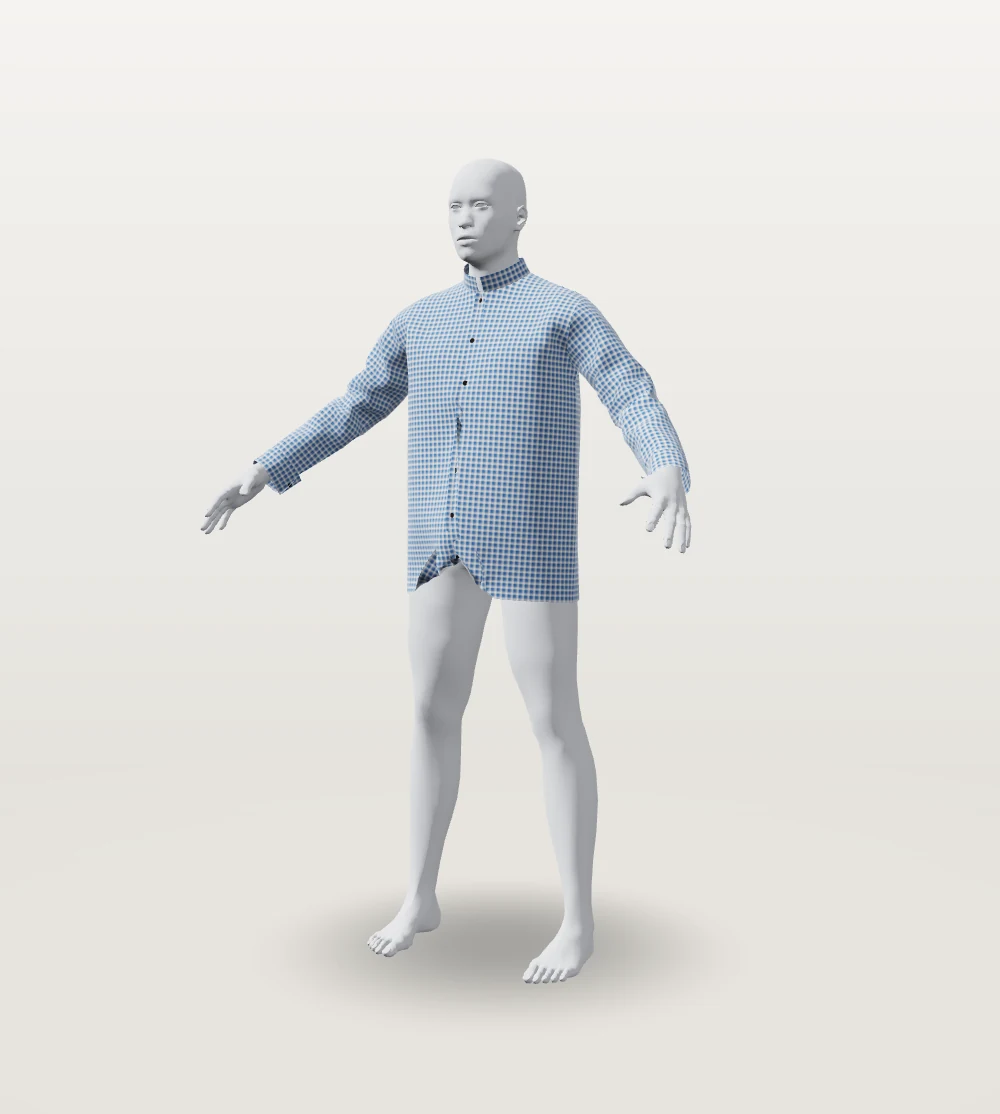
Three images of the same garment, exported from the app as they came out.
- B
Pattern
The shirt template, drafted to the body's measurements. The coloured arrows show which edges are sewn together.
- C
On the body
Sewn and draped by the cloth simulation. Change the fabric or the length and it drapes again.
- A
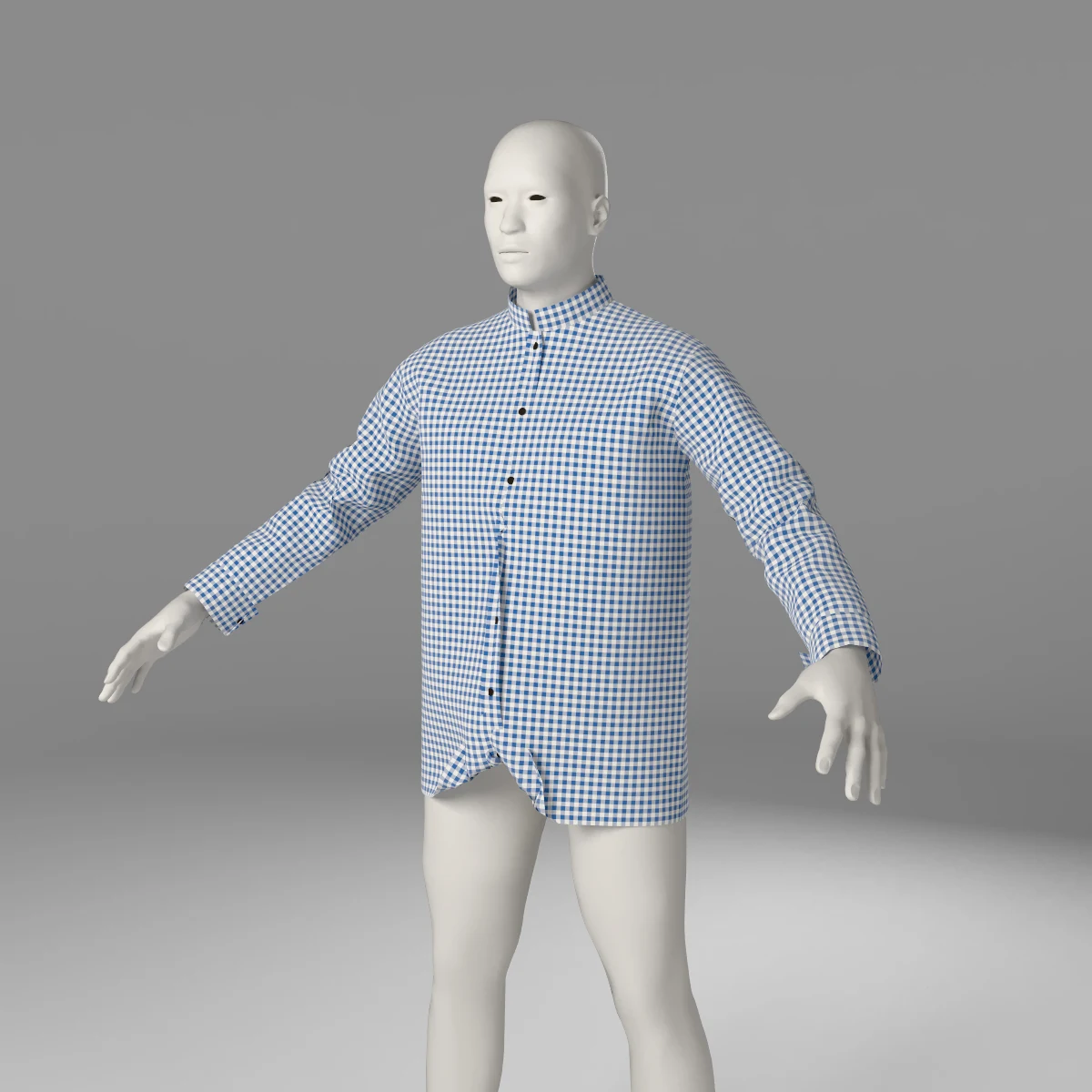
Studio photo
The picture at the top of this page: the same shirt, rendered with studio lighting.
Whether you sew for yourself or for a living
You sew for yourself
See how the garment hangs before you cut the fabric, made to your measurements or your child's. Then print the pattern at full size, on A4 sheets.
You're starting a label
Grade a design across sizes, work out how much fabric to buy and what it costs, and prepare a tech pack for the workshop.
Pattern making is your job
Constraints, formulas on the measurements, grading, your Seamly2D and Valentina patterns, DXF-AAMA in and out, and the pattern projected onto the cutting table.
You work in 3D
Garments that are actually sewn and draped, exported to glTF or OBJ for Blender, or ready for Godot, Unity and Unreal.
What you can do with it today
Start from a template
T-shirt, shirt, hoodie, trousers, jeans, joggers, shorts, dress, two skirts and a tote bag, drafted to your measurements. Or a blank page.
Draw the pattern
Curves, darts, pleats, notches. Type a length when it has to be exact, or a formula based on the measurements.
Grade sizes
One pattern across a size range: women's 32 to 56, men's 44 to 60, children's 2 to 14 years, babies' 3 to 24 months.
Sew and drape
Click an edge, then its partner. The simulation runs on your graphics card and redrapes when you change something.
Check the fit
See where the cloth pulls and how far it stands off the body, and measure the ease with a tape.
Print or export
The pattern at full size on A4 sheets, or as SVG, PDF and DXF-AAMA. The garment as glTF or OBJ, for Blender or a game engine.
Dress children
A child's body at any age, from 3 months to 14 years, and a baby bodysuit, a pyjama and a jogging suit drafted to it.
Finish the details
Buttons, zippers, elastic and shirring, interfacing, quilting and topstitching, seen on the pattern, on the garment and in the tech pack.
Take the photo
Set up the light, the lens and the frame while the 3D view shows the photo as it will be: a studio, or a real place from an HDR image.
A scrap of fabric to try
A small cloth simulation, in your browser. In the app, it's whole garments, sewn together and worn on a body.
Who's behind it
Just one person: me, a developer working on it in my spare time, in France. The code is public under the GPL: anyone can read it, build it themselves, or carry it on. If the app is useful to you, you can buy me a coffee on Ko-fi. It's optional, and it doesn't unlock anything.
Questions people ask
What is Rustle3D?
A free, open-source program for designing clothes in 3D. You draw the sewing pattern in 2D (or start from a template drafted to your measurements), sew the pieces together, and a cloth simulation drapes the garment on a 3D body. Then you print the pattern at full size, or export it (SVG, PDF, DXF-AAMA) and the garment (glTF, OBJ).
Is it really free?
Yes. It's free software under the GNU GPL (version 3 or later): use it for anything, paid work included, and what you make with it is yours. There's no paid version and nothing to unlock. It's still young and made by one person, so a few things are missing: the documentation lists them.
Why does my computer warn me when I open it?
The packages aren't signed yet: Apple and Microsoft charge for signing certificates every year. The warning means "unknown developer", nothing more. If you'd rather not run a program from someone you don't know, the source code is public and you can build the app yourself.
Will it run on my computer?
On macOS 12 or later, 64-bit Windows, or Linux on x86-64. The 3D view and the simulation use the graphics card (Metal, Direct3D 12 or Vulkan); any card from the last ten years should do.
Can I open the patterns I already have?
Yes. Seamly2D and Valentina patterns come in drafted for their measurements, in every size, and can be drafted again for the avatar. DXF-AAMA, DXF, SVG and PDF patterns come in too, at the size they're drawn: their grading rules aren't read.
Do I need to know pattern making?
No. The templates draft themselves to the body's measurements, and the Learn panel shows where things are. The first tutorial takes you to a T-shirt on a body.
I've read something about AI. Do I need it?
No. Rustle3D can be driven by an AI assistant, through what's called an MCP server, for people who want that. It's off by default, and nothing in the app depends on it.
Get started
- Make your first T-shirt in 10 minutesStart from the T-shirt template, drape it on the body, change the fabric, adjust the hem in 3D and print the pattern at real size.Beginner · 10 min
- Draft a skirt from scratchDraw the pieces of a skirt yourself, sew them, place them around the body, drape them and fit the waist directly in 3D.Intermediate · 15 min
- Design a garment with an AI agent (MCP)Connect Claude or any MCP client to Rustle3D, let it edit the garment open in the app while you watch, or run it headless on a project folder.Intermediate · 10 min
- Export your garment to Blender, Godot or UnityExport the draped garment to glTF or OBJ, with or without the body, prepare it for a game engine (levels of detail, skinning), and export the pattern.Beginner · 10 min
Try it on your computer
Version 26.11.27, released November 27, 2026.